SD Card Forensics: Recovering Data From a Failing Card
This case started with an SD card used in a mirrorless camera. The card suddenly began throwing errors and could no longer be accessed normally. Windows detected the card, but only offered to format it before use.
The goal was narrow: recover accessible data without physically modifying the card. Chip-off recovery, scraping the card body, or direct flash access stayed out of scope.
Scope
The recovery path was limited to what could be done through a card reader and common forensic tools:
- Preserve the original media before analysis.
- Avoid writing to the SD card.
- Create a disk image if possible.
- Analyze the image rather than the original card.
- Recover image files if the filesystem or raw data still allowed it.
That scope matters. When the original media is unstable, every direct read can be the last good read. Working from an image keeps the original evidence in the best condition possible.
First Attempt: Ubuntu and gddrescue
The initial plan was to use Ubuntu and gddrescue.
Using dd would have been the simplest approach, but gddrescue is a better fit for damaged media because it is designed to retry difficult areas and keep a recovery log. In this case, the SD card could not be passed cleanly from the host OS into the virtual machine, so the Linux VM path was abandoned.
This was not a failure of gddrescue itself. The blocker was device access.
Second Attempt: Recuva
The next attempt was Recuva on Windows.
Recuva is useful for recovering deleted files from readable media, but it did not fit this case. Windows prompted for formatting before the card could be used, so Recuva could not work with the device in a meaningful way.
At this point, file-level recovery was not enough. The workflow needed a tool that could inspect and image the device at a lower level.
Working Path: FTK Imager
FTK Imager was able to inspect the SD card and display raw binary data. The beginning of the card appeared damaged, but data-like regions were still visible further into the media.
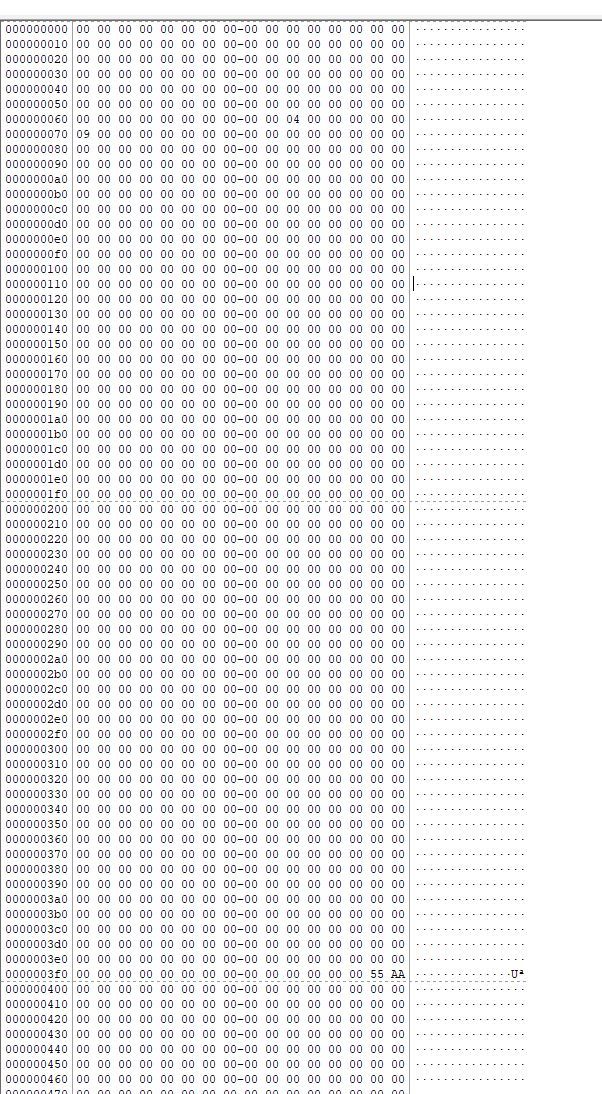
That made imaging worthwhile.
Using FTK Imager's disk image export feature, the SD card was preserved into an image file. From that point onward, analysis could be done against the image instead of repeatedly touching the original card.
The practical sequence became:
- Connect the SD card through a card reader.
- Open the physical device in FTK Imager.
- Confirm that readable data exists.
- Export a disk image from the card.
- Use the image as the analysis target.
Analysis With Autopsy
Autopsy was able to load the image exported by FTK Imager.
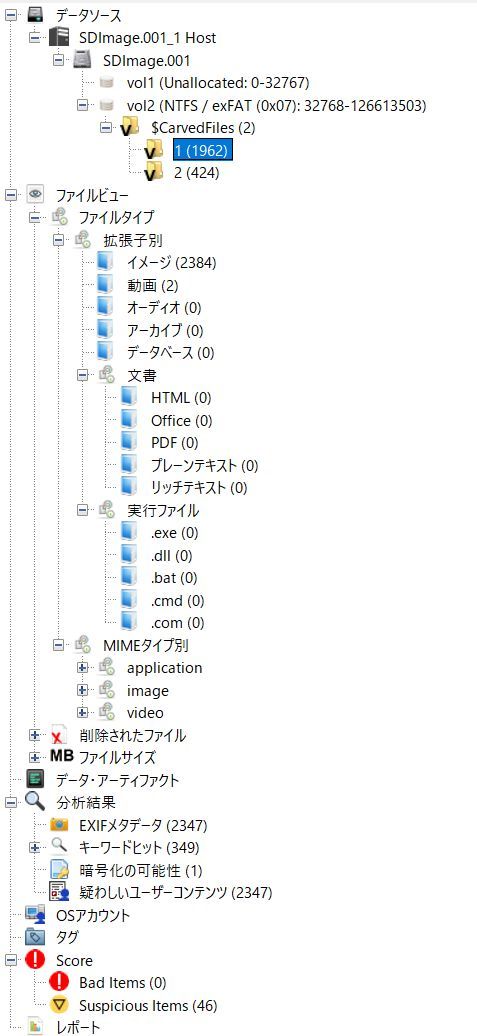
Once the image was loaded, Autopsy identified and categorized recoverable content. Photos could be previewed and extracted from the image. Some recovered photos were old files that had survived from earlier formatting or reuse of the card, which is expected when storage media has not been securely erased.
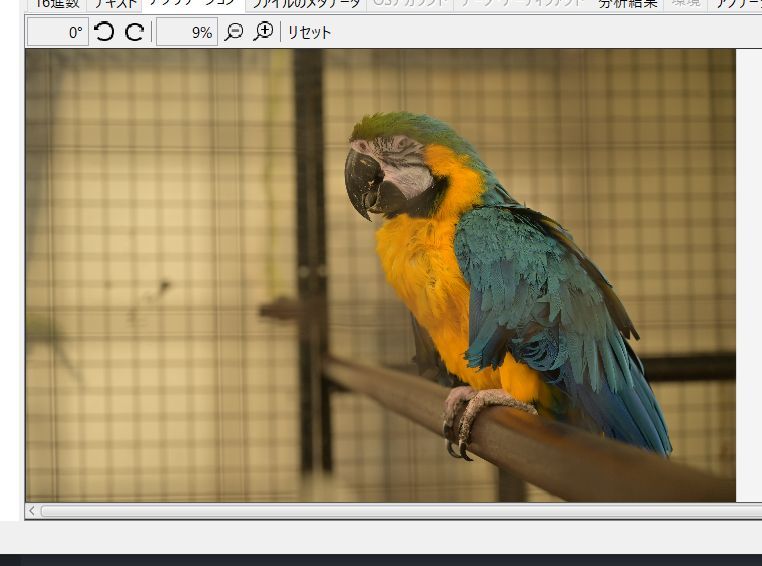
This is an important point: recovery output does not always represent the latest visible filesystem state. It can include older remnants if the underlying bytes still exist.
Result
The useful recovery path was:
- Try Linux imaging with
gddrescue. - Drop that path when the VM could not access the device properly.
- Test file recovery with Recuva.
- Drop that path when Windows blocked access behind a format prompt.
- Inspect the physical device with FTK Imager.
- Export a disk image with FTK Imager.
- Load the image into Autopsy.
- Recover photos from the image.
The data recovery goal was achieved without physical modification of the SD card.
Lessons Learned
Preservation comes first. Even for a casual recovery case, imaging the original media before analysis is the safer workflow.
Tool choice depends on the failure mode. Recuva is useful when the filesystem is readable enough for file-level recovery. FTK Imager and Autopsy are a better fit when the media needs to be inspected and preserved at the device/image level.
Old data may remain recoverable after formatting or reuse. For sensitive data, normal deletion or formatting is not enough. Secure sanitization requires overwriting the media, following a recognized sanitization process, or physically destroying the storage device when the risk demands it.
Backups matter. Storage media can fail without warning, and recovery is never guaranteed.